Photoshop Clipping Path Service Provider.
Trusted by eCommerce sellers, photographers, and agencies for pixel-perfect, hand-drawn clipping paths — delivered fast and affordably.
24/7 Support
Instant 24/7 Support by Live Chat, Email & Phone.
Fast Delivery
We deliver most of our projects within 12-24 hours .
Quality Service
We provide 100% Quality Service
Data Privacy
Your data is protected in our hands. Your images will not be shared.
What Types of Clipping Path Services Are Available?
There are 6 sections in our clipping lesson.
- Basic Clipping Path
- Simple Clipping Path
- Medium Clipping Path
- Complex Clipping Path
- Multiple Clipping Path
- Super Complex Clipping Path
Basic Clipping Path
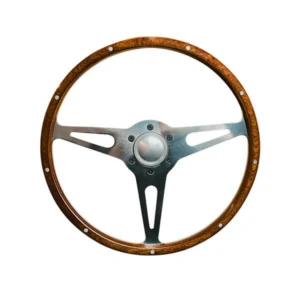
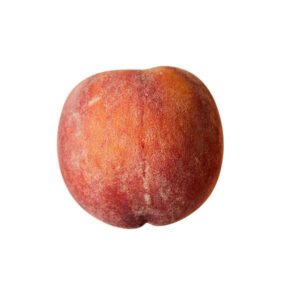
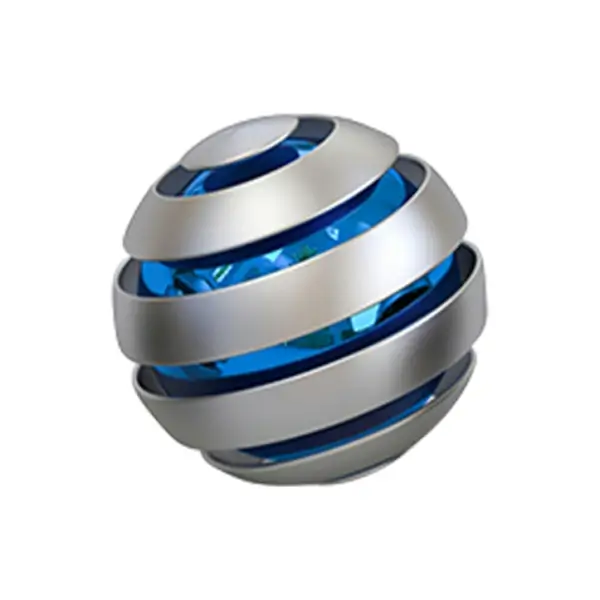
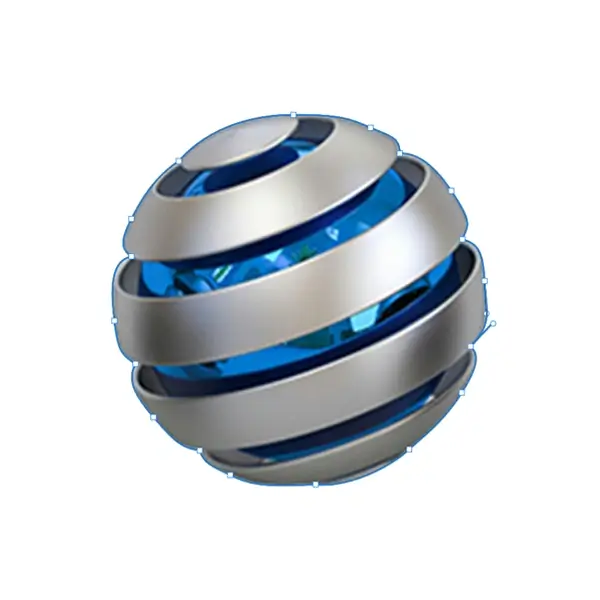
Basic clipping paths are basically simple rectangles or around a simple-shaped object round, square, or basic curves, no holes and separate it from its background. rounded ovals of objects, such as books, pens, notebooks, cups, boxes, etc.
Simple Clipping Path
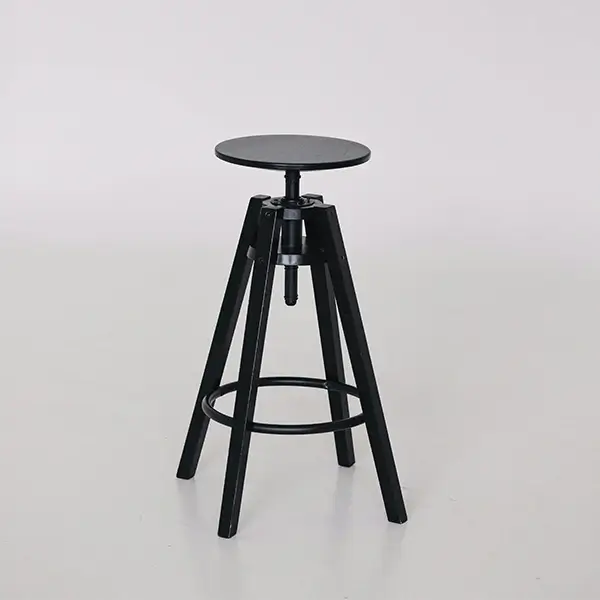
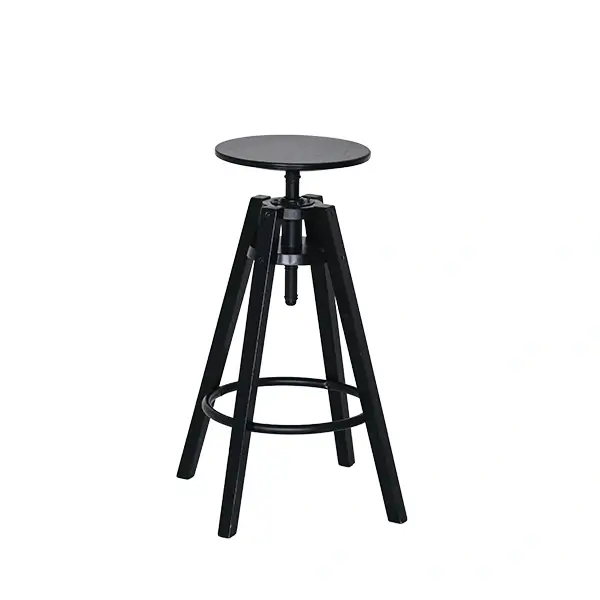
Simple clipping path basically straight, square, rectangular, round and oval objects. But the main difference between simple and basic clipping paths is the presence of holes. In simple clipping paths, objects like shirts, pants, watches, table, glasses, rings are displayed with holes.
Medium Clipping Path
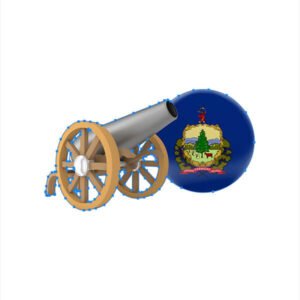
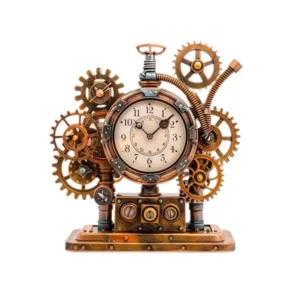
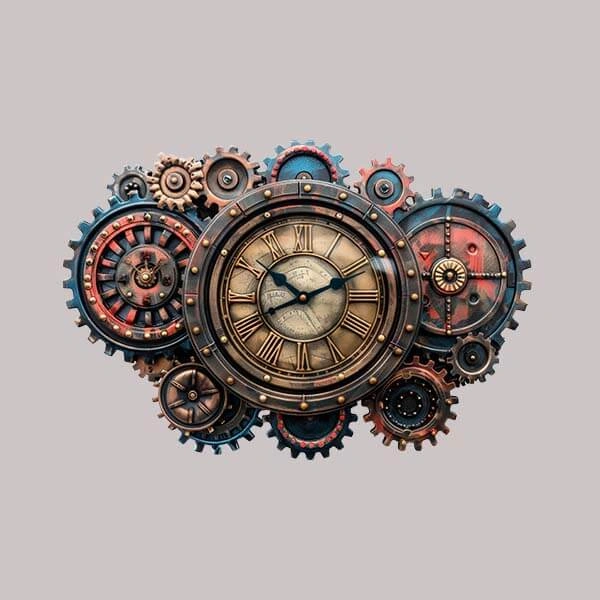
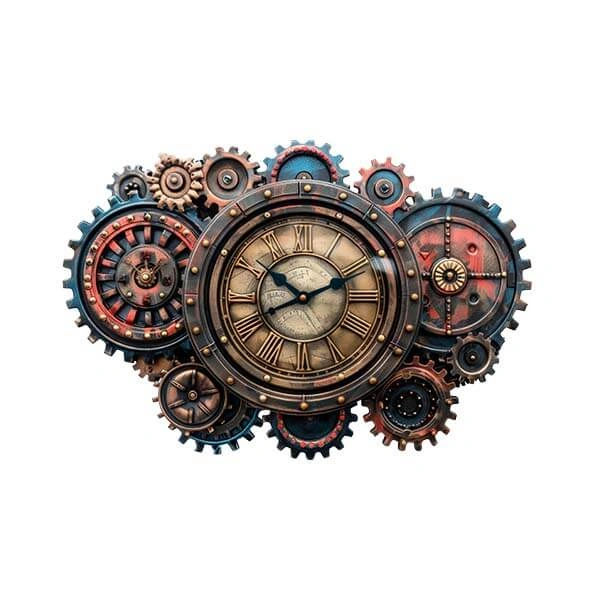
Medium clipping paths are a bit more difficult than basic or normal clipping paths. This type of image has multiple holes and multiple complex curves or bends at the edges. When creating a path with the Pen tool in Photoshop, it requires a lot more anchor points, because the structure of the product is relatively complex.Bracelet, Shoes, Group rings, Group watches ,Small showpieces or knick-knacks, Engine parts.
Complex Clipping Path
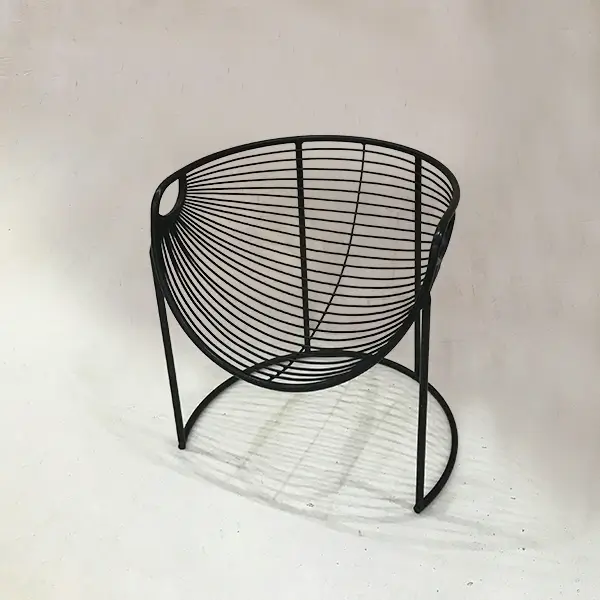
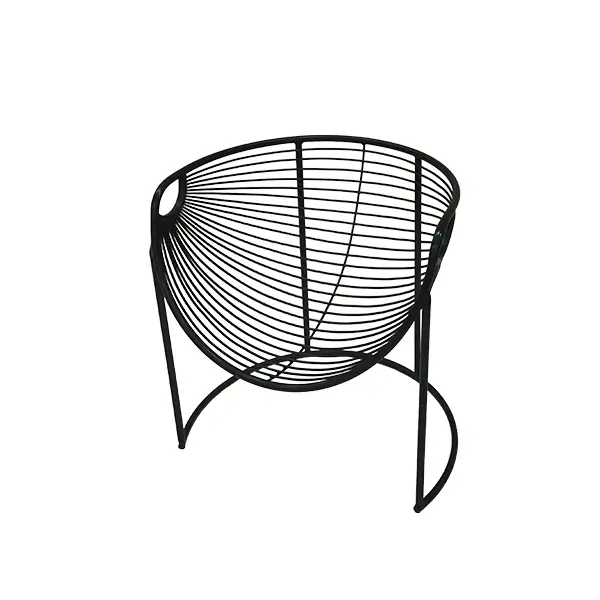
Complex clipping path is harder than basic and medium clipping path and requires the most concentration, time, and skill among the three. The designers spend significantly more time and effort while creating a complex clipping path. The product images that need a complex clipping path contain a large number of holes and complicated designs inside the images.They also have highly complex curves and multiple closed paths at the edges.
Multiple Clipping Path
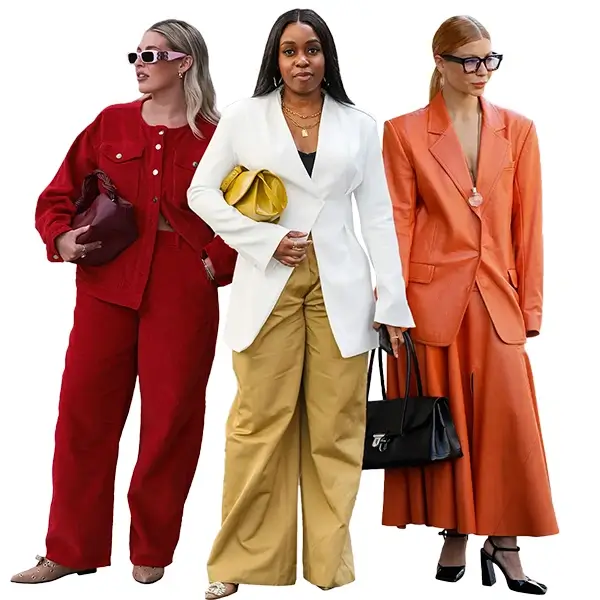
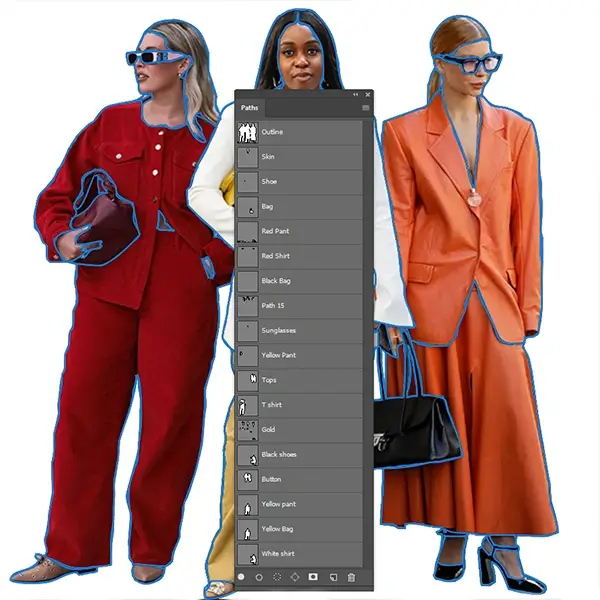
Multiple clipping path is used for images that require creating multiple or many separate paths within a single photo, rather than isolating just one object with one outline. This method allows outlining the patterns and edges of each separate part, giving customers the opportunity to create multiple versions of the same product image — for example, changing the color of just one item without affecting the others. For instance, if there is a model wearing a shirt, pants, cap, and a pair of shoes, a separate path is created for each of the items (shirt, pants, cap, shoes) individually.
Super Complex Clipping Path
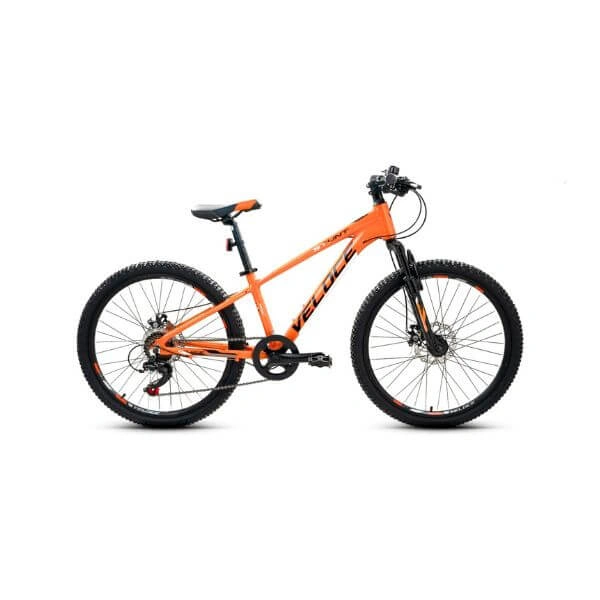
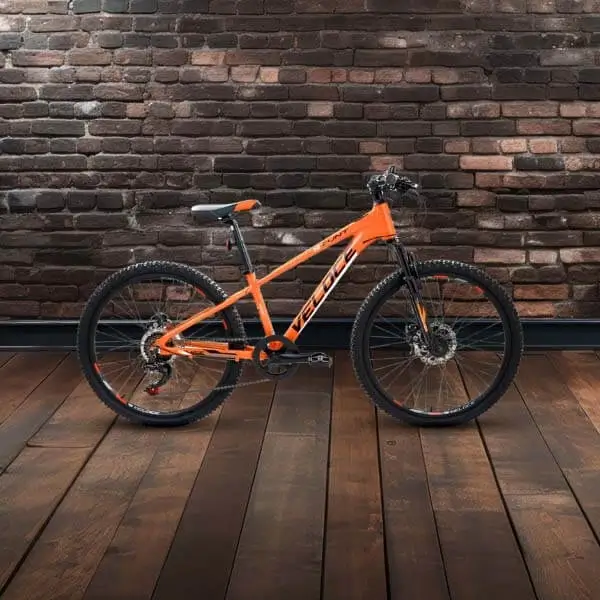
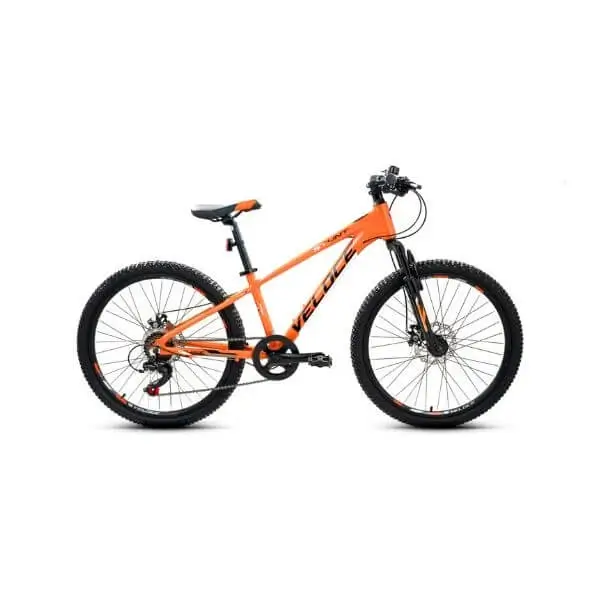
Super complex clipping path is harder than complex and multiple clipping path, demanding the highest level of concentration, time, and skill among all clipping path methods. Many images appear having countless anchor points and paths.This method is very laborious and time-consuming to apply due to the excessive intricacies of these products — overlapping edges, fine details, and multiple components that all need individual attention.
Examples: Bicycle, motorbike, motor car, group of people, collection set of jewelry, etc.
Clipping Path Service
Accurately remove backgrounds and cut out objects with professional clipping path services for clean and high-quality images.
Background Removal Service
Enhance your images with professional photo retouching. We remove blemishes, adjust colors, and improve clarity for polished, vibrant, and stunning photos.
Shadow Making Service
Add realistic shadows to your images to enhance depth, dimension, and visual appeal.
Image Masking Service
Precisely remove backgrounds and isolate objects with professional image masking for clean and editable images.
Ghost Mannequin Service
Showcase your clothing with invisible mannequins, keeping the shape and details for a clean, 3D look.
Photo Retouching Service
Enhance your photos with professional retouching for smooth skin, balanced colors, and a clean, polished look.
Jewelry Rerouching Service
Enhance the shine, color, and details of your jewelry images with precise retouching for a premium, eye-catching look.
Color Correction Service
Correct color inconsistencies, adjust brightness, and balance tones to make your product images look accurate, vibrant, and true-to-life across every platform.
E- Commerce Service
Complete image editing solutions for online sellers — background removal, retouching, and formatting tailored for Amazon, eBay, and Shopify listings.
What Our Designers Do
Our designers use advanced Photoshop tool hand-drawn clipping paths that isolate objects from their backgrounds. Each image is carefully edited to ensure clean edges, natural look, and professional quality work .
"Our 10 Year Journey"
we started Super Clipping Path 10 years ago, we made a promise to our clients never compromise on quality. That promise has kept US businesses coming back year after year. Our team has grown to 20–30 skilled editors, each trained to handle every type of product image — from simple boxes to complex jewelry chains. Automated tools and AI background removers have come and gone, but our clients keep choosing us because hand-drawn, human-checked clipping paths simply produce better results.
Why Choose Us ?
What makes our clipping path experts different.
Photo clipping path services
We never use automatic tools. Every path is created manually using the Pen Tool to ensure maximum accuracy and clean edges.
Fast Turnaround Time
We deliver your images within 6–24 hours, depending on complexity, without compromising quality.
Affordable Pricing
Get high-quality services at competitive prices that fit your budget—perfect for startups and large businesses.
24/7 Customer Support
Our support team is always ready to help you anytime, ensuring smooth communication and quick responses.
Unlimited Revisions
Not satisfied? No problem. We offer unlimited revisions until you get exactly what you need.
E-Commerce Ready Images
Perfect for platforms like Amazon, Shopify, and eBay—your images will be clean, attractive, and ready to sell.
Frequently Asked Questions (FAQ)
A Photoshop clipping path service provider is a company or professional that uses Adobe Photoshop to remove backgrounds and isolate objects in an image with high precision. They create a “clipping path” using the pen tool, which is a closed vector path that separates the subject from its background.
We provide 100% hand-drawn clipping paths, fast delivery, affordable pricing, and unlimited revisions to ensure the best quality results for our clients.
No, all our clipping paths are created manually by expert designers to ensure accuracy and smooth edges.
We work with all types of images including eCommerce products, path, shadow, color change, neck joint, any retouch, fashion items, jewelry, furniture, and complex images like hair or fur.
Delivery time depends on image complexity and quantity.
We deliver images in JPG, PNG, PSD, TIFF, or any format you need.
Yes, we offer a free trial so you can check our quality before placing a full order.
Yes, we can process large volumes of images while maintaining consistent quality and fast delivery.
We offer unlimited revisions until you are fully satisfied with the final result.
You can easily place an order by uploading your images on our website or contacting us directly.
Our Sample Work